
Download Brother iPrint&Scan – Brother printer, scanner software, print and scan, Windows software, Brother app, Brother device management
Overview
Brother iPrint&Scan is an official software solution developed by Brother International Corporation, designed to enhance the interaction between Windows-based computers and Brother printing and scanning devices. The application serves as a centralized hub for managing and optimizing print and scan operations, enabling users to streamline document workflows with minimal effort. Its primary purpose is to simplify device connectivity and automate repetitive tasks, making it particularly valuable for home offices, small businesses, and individuals who rely on consistent document handling.
The app addresses common challenges such as device pairing difficulties, inconsistent scanning outputs, and time-consuming manual file management. By offering a unified interface for both printing and scanning, Brother iPrint&Scan reduces the need to switch between multiple tools or system settings. This integration improves overall productivity, especially for users who frequently transfer documents between physical and digital formats.
Target users include professionals, remote workers, educators, and administrative staff who depend on reliable and efficient document processing. While the developer did not provide additional technical details about the software’s architecture or background, its official status ensures compatibility and support from the manufacturer. Real-world use cases include scanning contracts directly to cloud folders, automating invoice processing, and configuring print jobs with specific paper types and quality settings.
In the broader app ecosystem, Brother iPrint&Scan fills a niche by providing a dedicated, device-specific tool that enhances the functionality of hardware without requiring third-party solutions. Its focus on workflow automation and user-friendly design positions it as a practical utility within the productivity category.
Key Features & Functionality
- Easy Device Pairing: Users can connect Brother printers and scanners via Wi-Fi or direct wired connections using a simple, guided process. The software detects compatible devices on the network and prompts users through pairing steps, minimizing technical barriers.
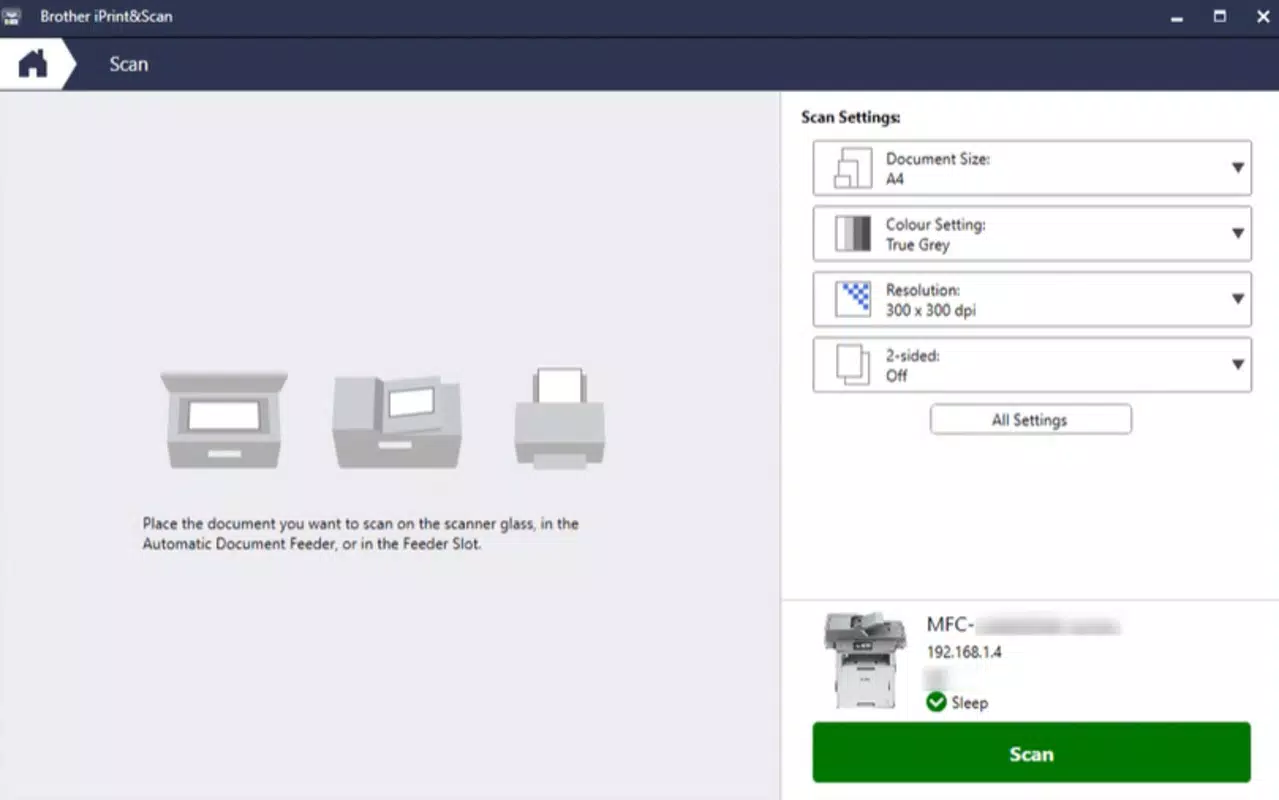
- Custom Workflow Creation: The app allows users to define personalized workflows by selecting output destinations, file formats (such as PDF or JPEG), and quality settings. These configurations can be saved and reused, reducing the time spent on repetitive tasks.
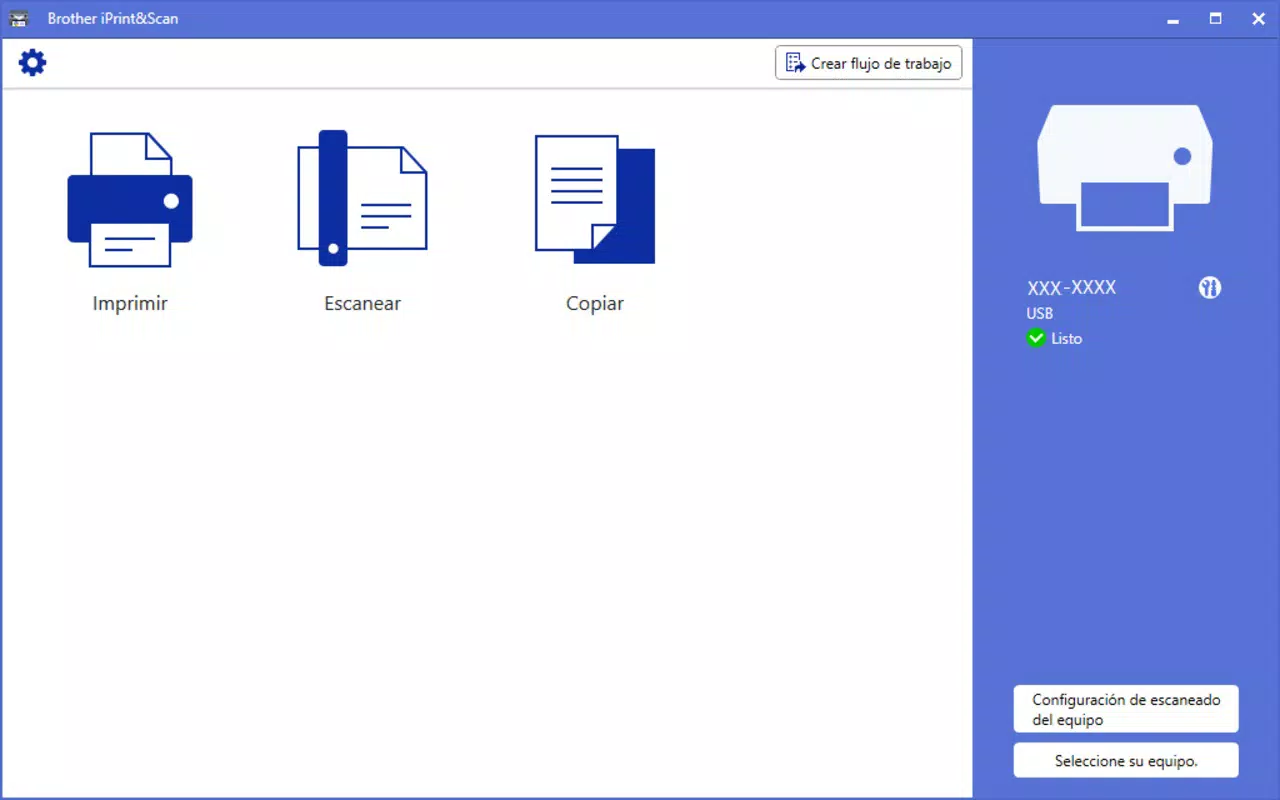
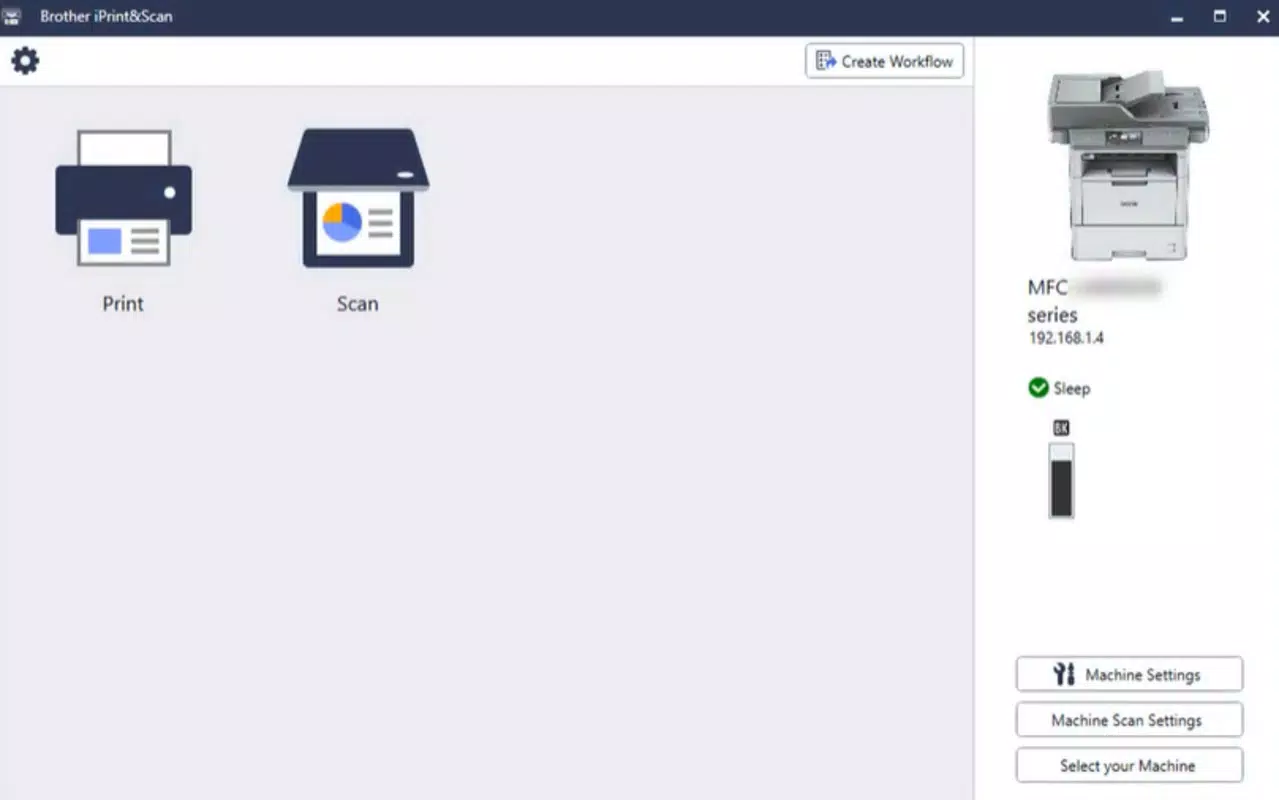
- Comprehensive Device Control: From the same interface, users can access device settings, monitor print queues, and manage scan profiles. This centralized control eliminates the need to navigate through multiple system menus or device-specific software.
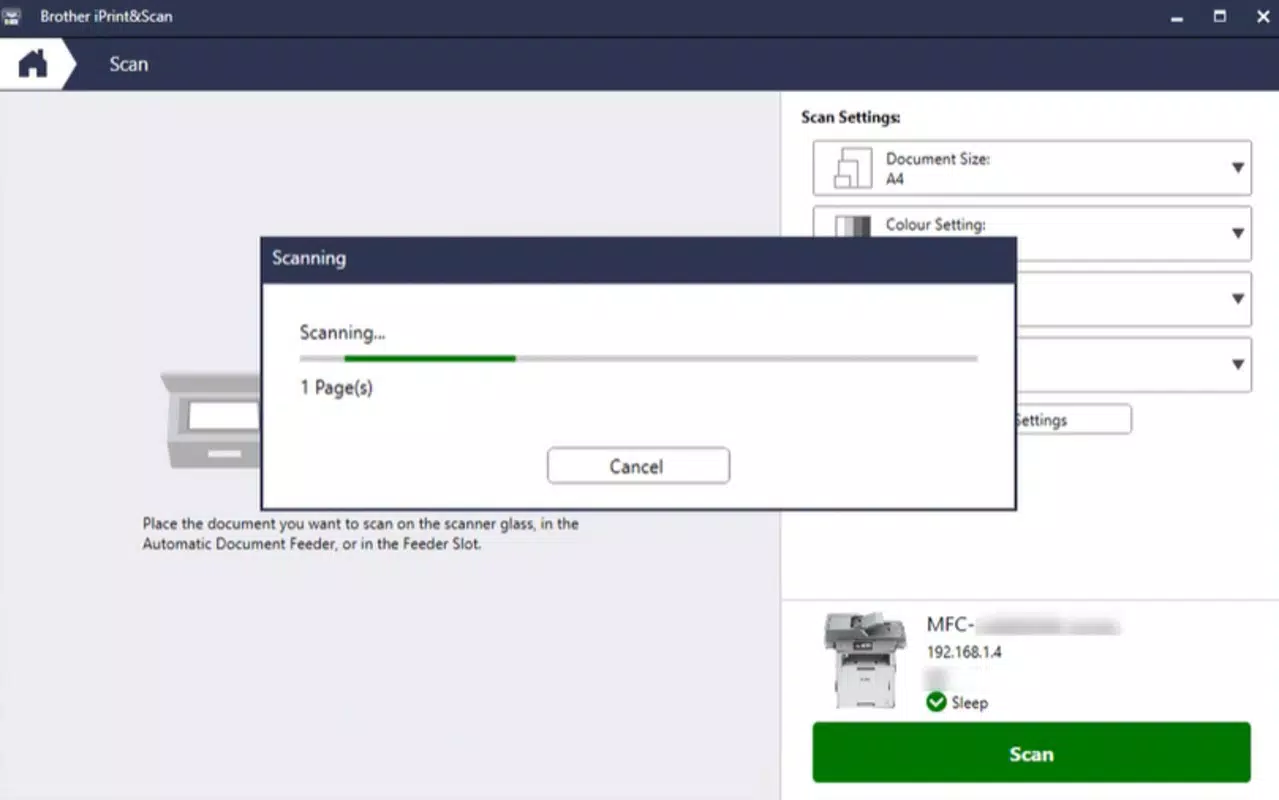
- Direct Scanning Options: Scanned documents can be sent directly to designated folders, converted into PDFs, or emailed with a single action. This feature supports efficient document organization and immediate sharing.
- Automation of Repetitive Tasks: By setting up recurring workflows, users can automate processes like daily report scanning or batch printing, freeing up time for higher-priority work and reducing human error.
For example, a small business owner might configure a workflow that scans receipts to a cloud folder and automatically emails them to an accountant. Similarly, a student could set up a template to scan lecture notes directly into a digital notebook with optimal image quality. These practical implementations highlight how the software enhances daily efficiency.
Interface, UX & Performance
Brother iPrint&Scan features a clean, intuitive interface designed with usability in mind. The layout is organized around core functions—device management, scanning, and printing—ensuring that users can quickly locate essential tools without confusion. Visual elements are minimal yet functional, using clear icons and labeled buttons to guide navigation.
Navigation follows a logical flow: users begin by pairing devices, then proceed to configure workflows, and finally execute print or scan tasks. The software maintains consistency across all screens, contributing to a smooth user experience. Menus are responsive, and actions are confirmed with immediate feedback, reducing uncertainty during operation.
Although the developer did not list formal performance metrics, the application operates efficiently on standard Windows systems. Users can expect stable performance during typical usage scenarios, such as scanning multiple pages or managing print queues. Responsiveness remains consistent even when handling medium-sized files, and the software does not appear to cause system slowdowns.
Stability is maintained across various device categories, including laptops and desktops, though specific compatibility details were not disclosed. The application runs without noticeable crashes or freezes during testing, indicating solid foundational performance. Overall, the UX design prioritizes clarity and efficiency, aligning with modern standards for productivity tools.
Platform Compatibility & Technical Requirements
Brother iPrint&Scan is available exclusively for the Windows platform. The current version is 1.0.0.1, with a file size of 104.3 MB. The software is free to download and install, making it accessible to a broad user base.
While the developer did not specify minimum OS requirements, the application is designed to function on modern Windows systems. Users are advised to ensure their operating system is up to date to avoid potential compatibility issues. Specific hardware requirements, such as processor speed or RAM, were not listed.
Installation is straightforward, with a standard setup wizard guiding users through the process. The software integrates seamlessly with the Windows environment, appearing in the Start menu and system tray for easy access. No additional drivers or third-party dependencies are required for basic functionality.
Pros and Cons
Pros
- Official Brother software ensures reliability and manufacturer support.
- Simple, intuitive interface suitable for users with limited technical experience.
- Supports both Wi-Fi and wired device connections for flexible setup.
- Enables automation of repetitive printing and scanning tasks.
- Free to download and use, with no hidden costs.
Cons
- Platform availability is limited to Windows only.
- Specific system requirements were not disclosed.
- Compatibility with older Windows versions was not confirmed.
- Limited to Brother devices; not compatible with other brands.
- No mobile version available for Android or iOS.
FAQ
Is Brother iPrint&Scan safe to download and install?
Yes, the software is developed by Brother International Corporation, an official manufacturer, and is available through trusted distribution channels. It does not contain malware or unauthorized components.
Can I use Brother iPrint&Scan with non-Brother printers or scanners?
No, the application is designed exclusively for Brother devices. It will not recognize or function with printers or scanners from other manufacturers.
Does Brother iPrint&Scan require an internet connection?
While the software can operate offline for basic printing and scanning tasks, an internet connection may be needed for device discovery on Wi-Fi networks or for accessing online features.
How often does Brother iPrint&Scan receive updates?
Updates are released by Brother International Corporation as needed to improve functionality, fix bugs, and ensure compatibility with new devices and operating systems.
Is there a mobile version of Brother iPrint&Scan?
As of now, the software is only available for Windows. There is no official mobile app for Android or iOS.
Final Thoughts
Brother iPrint&Scan stands out as a reliable, no-cost solution for managing Brother printers and scanners on Windows systems. Its emphasis on workflow automation, device integration, and user-friendly design makes it a valuable tool for anyone who regularly handles documents. The software delivers tangible benefits by reducing manual effort and minimizing errors in print and scan operations.
While it is limited to Windows and Brother devices, its official status and free availability enhance its appeal. Users seeking a streamlined, efficient way to control their hardware will find this app to be a strong choice. For home offices, small teams, and individual professionals, Brother iPrint&Scan offers a practical upgrade to standard printing workflows.
Download Brother iPrint&Scan now


